Hyperpane
Windows® Apps, Linux Freedom#
Switching to Linux shouldn’t mean leaving your apps behind. Whether it’s games, creative tools, or business software, Hyperpane (/ˈhaɪpərpeɪn/) lets you run Windows applications on Linux. No dual booting, no rebooting, no compromise.
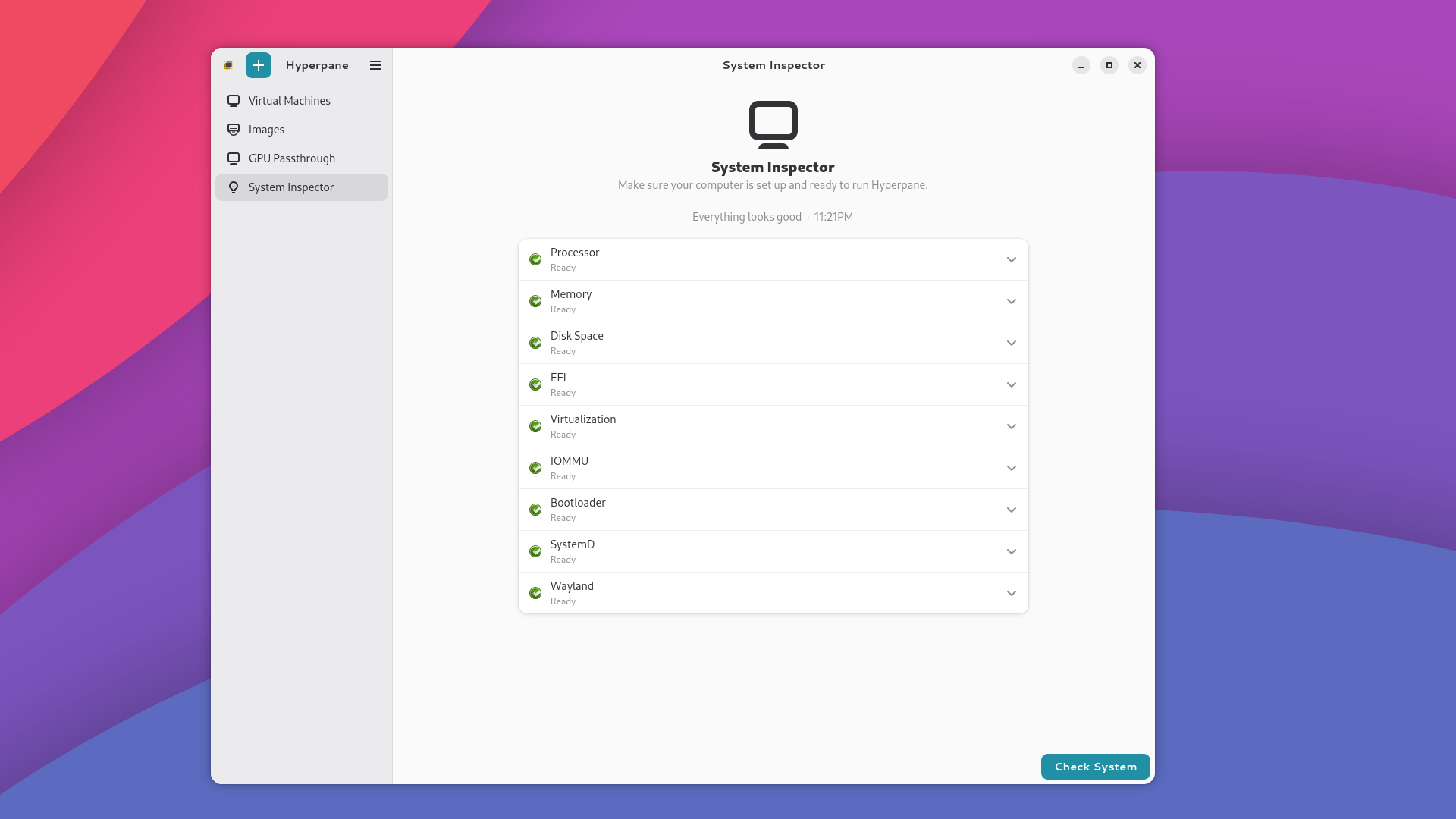
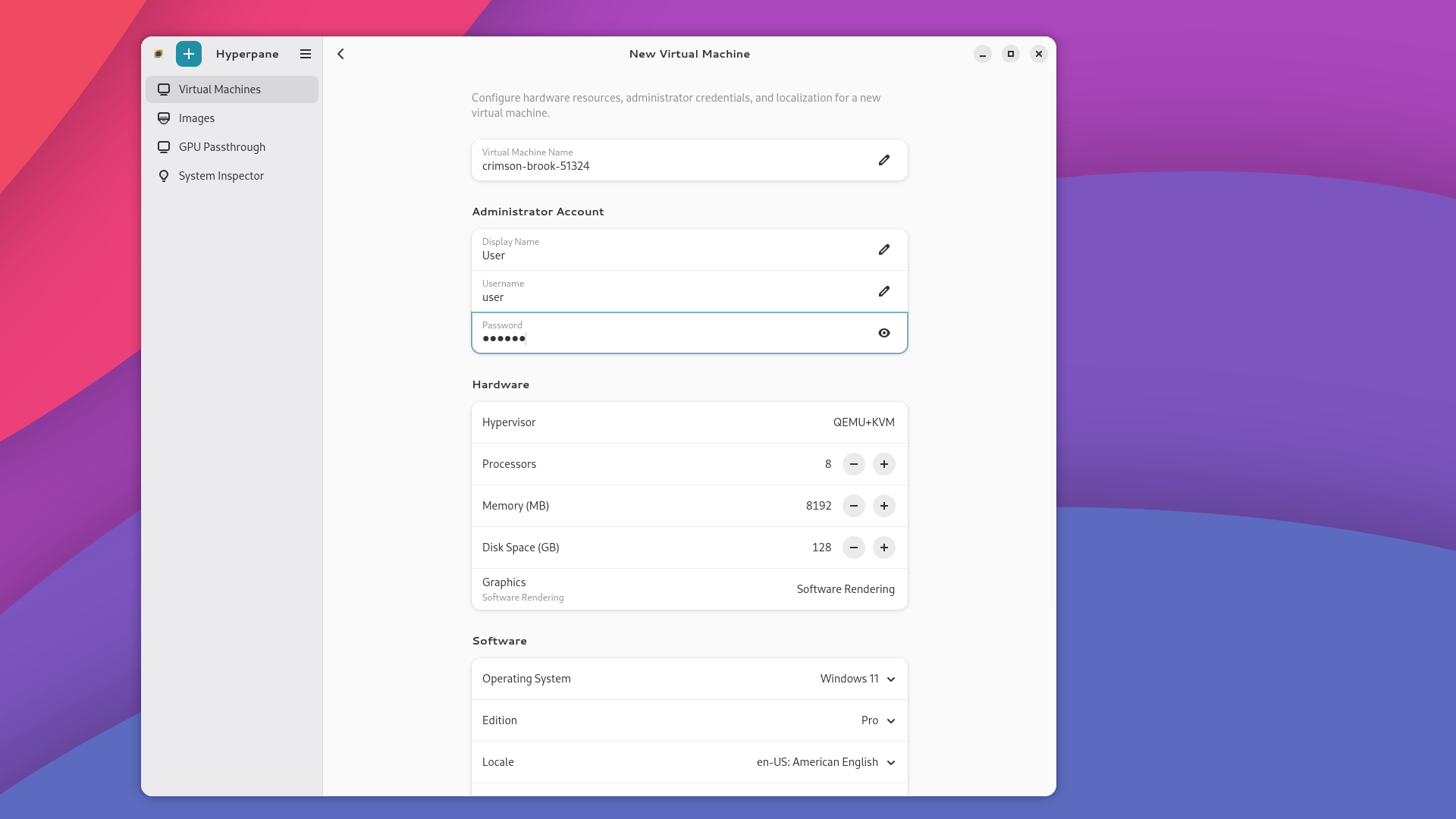
There’s never been an easier way to set up a virtual machine. Hyperpane handles the hard parts, installation, configuration, and graphics passthrough, so you get near-native performance without the learning curve.
How It Works#
Hyperpane creates a virtual machine, running a full copy of Windows alongside Linux. You get a simple graphical interface that handles the entire setup for you, from installing Windows to getting your apps running at near-native speed.
Key Capabilities#
Easy Setup: Get started in minutes. Hyperpane walks you through setup and keeps things simple.
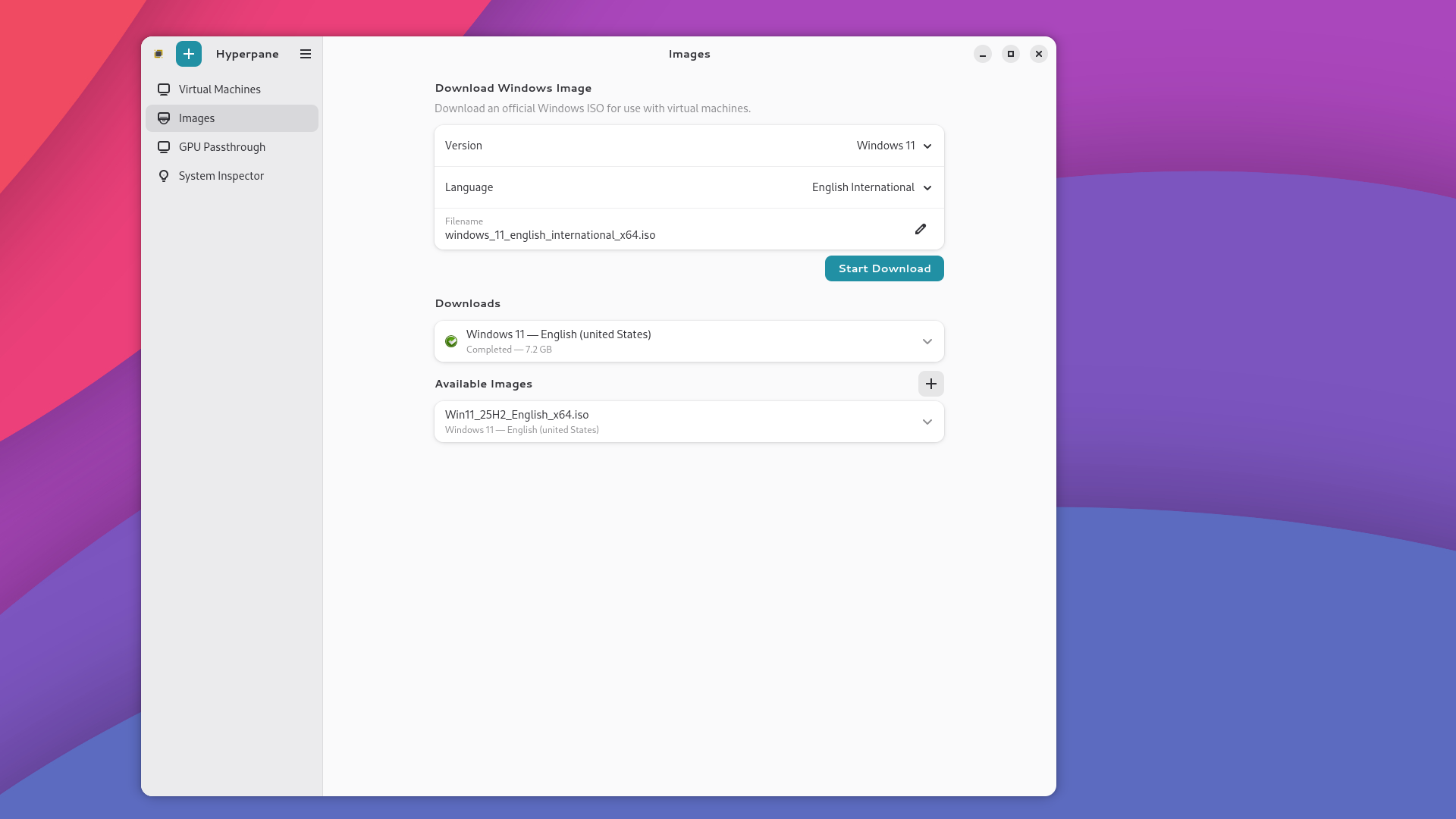
Automated Windows Installation: Sets up Windows with a local account. No Microsoft account required, no extra configuration needed.
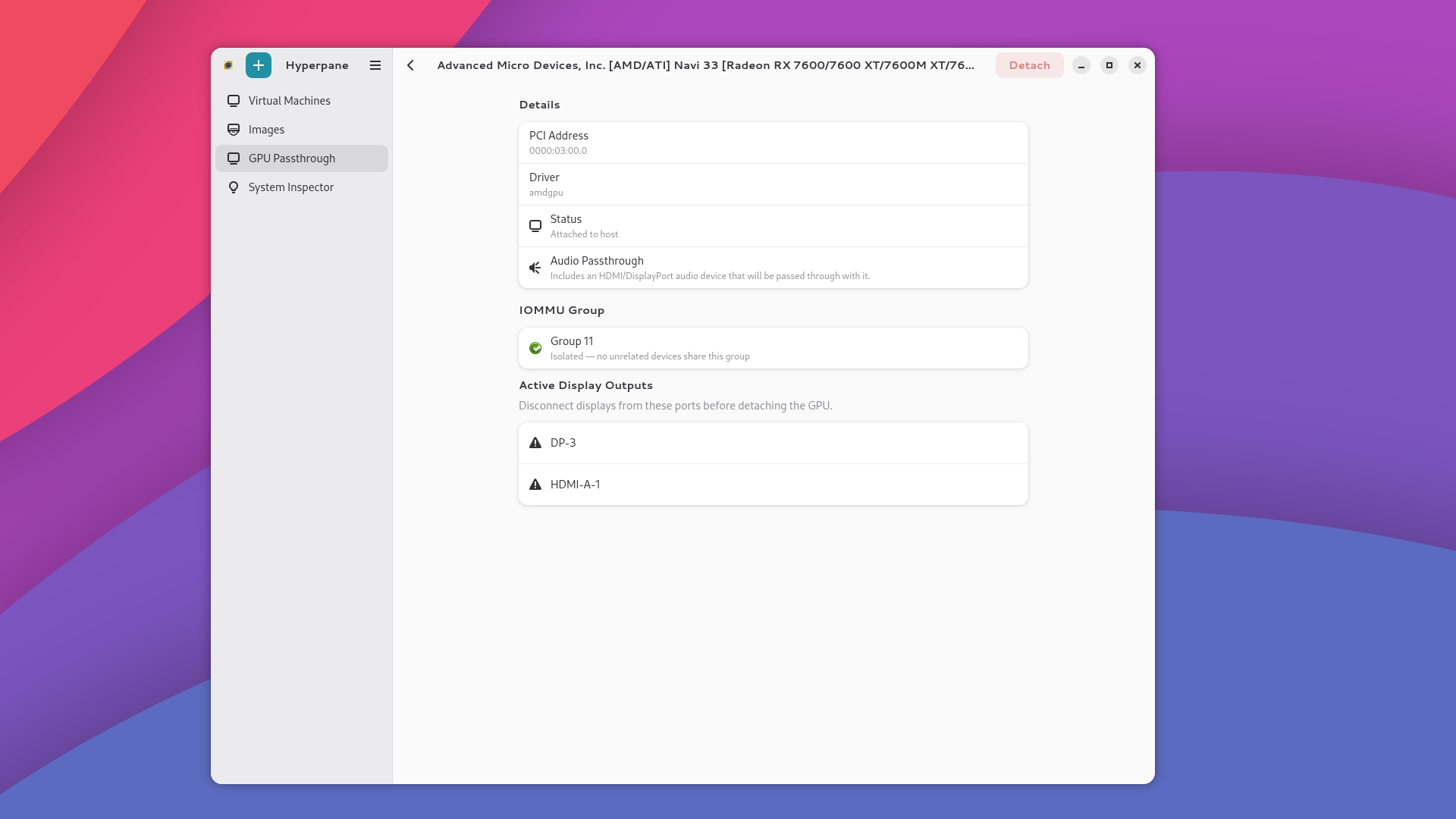
Full Graphics Performance: Gives Windows direct access to your graphics card so games and demanding apps run at near-native speed, not in slow motion.
Telemetry Blocking: Built-in telemetry blocking stops background data collection and diagnostic tracking. Your data stays on your machine.
Windows 11 on Any Hardware: Run Windows 11 even on older machines that Microsoft says aren’t supported. No workarounds needed.
File Sharing You Control: Your files stay on Linux and show up inside Windows automatically, with no copying or syncing. You decide how much Windows can access: your whole home folder, a single folder like Downloads or Documents, or nothing except the files you explicitly hand over. That strictest mode is DocFS, where Windows only sees what you choose to Share and a file disappears the moment you Unshare it. It works like XDG portals, but for Windows.
Screenshots#
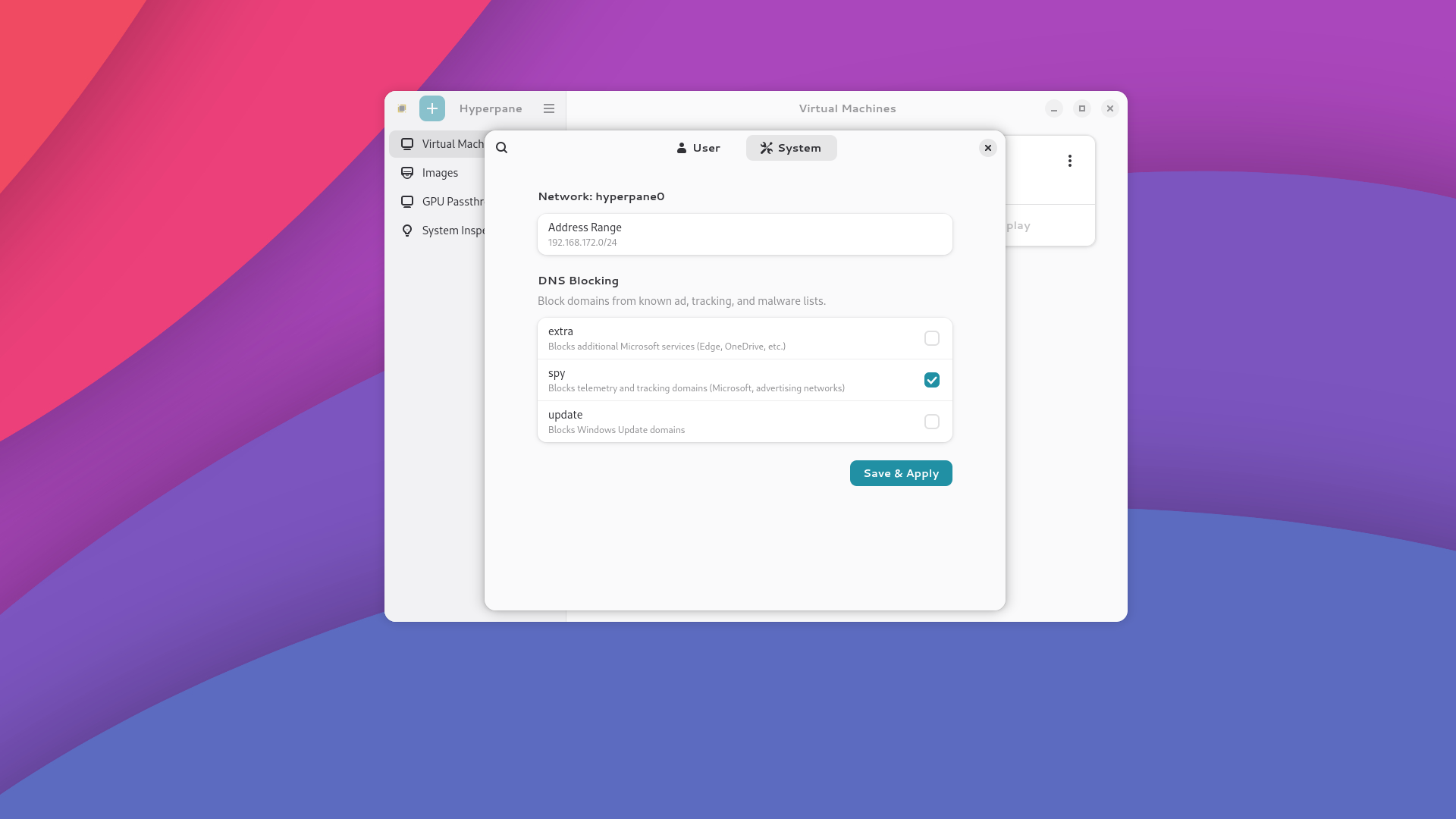
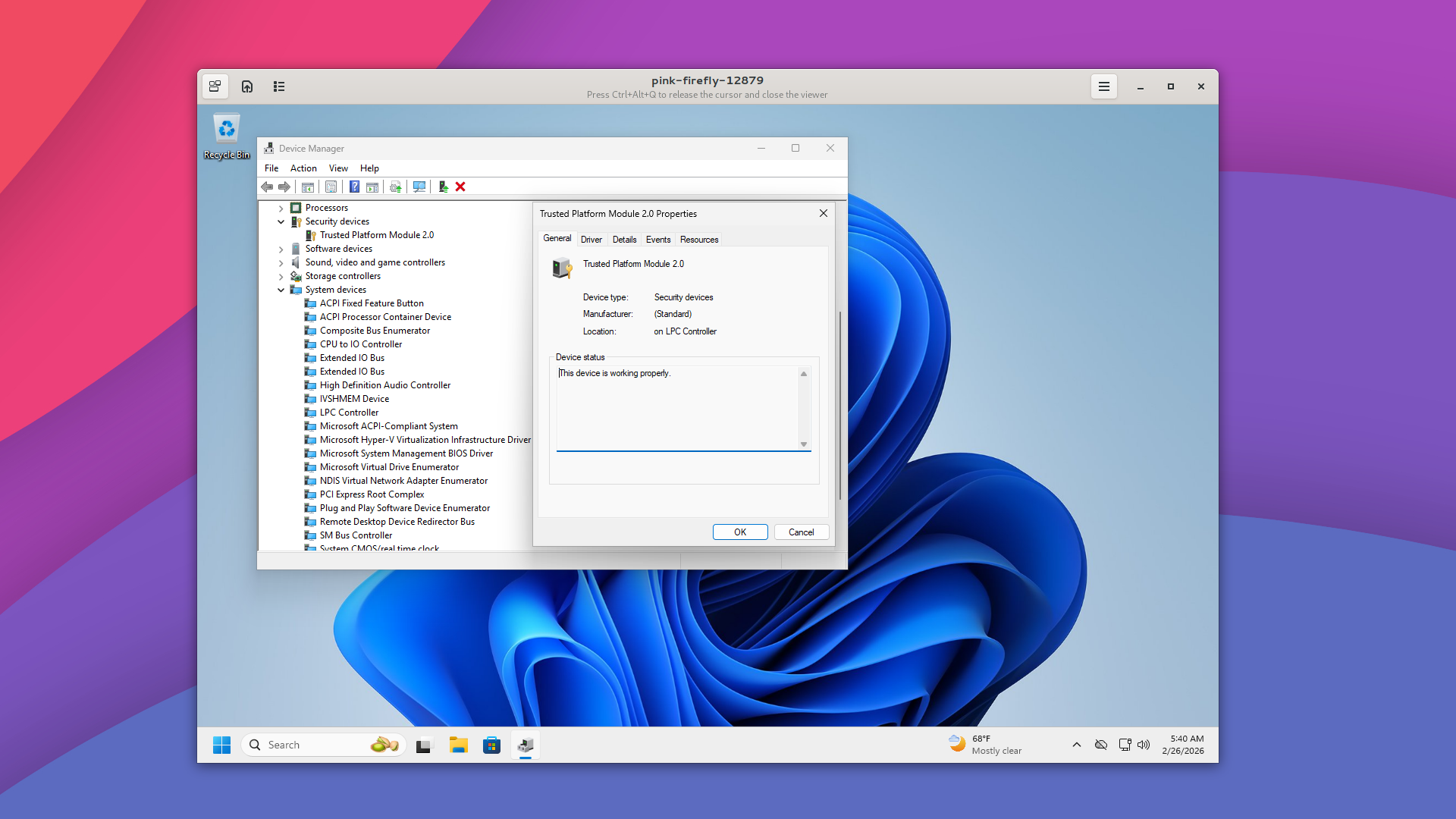
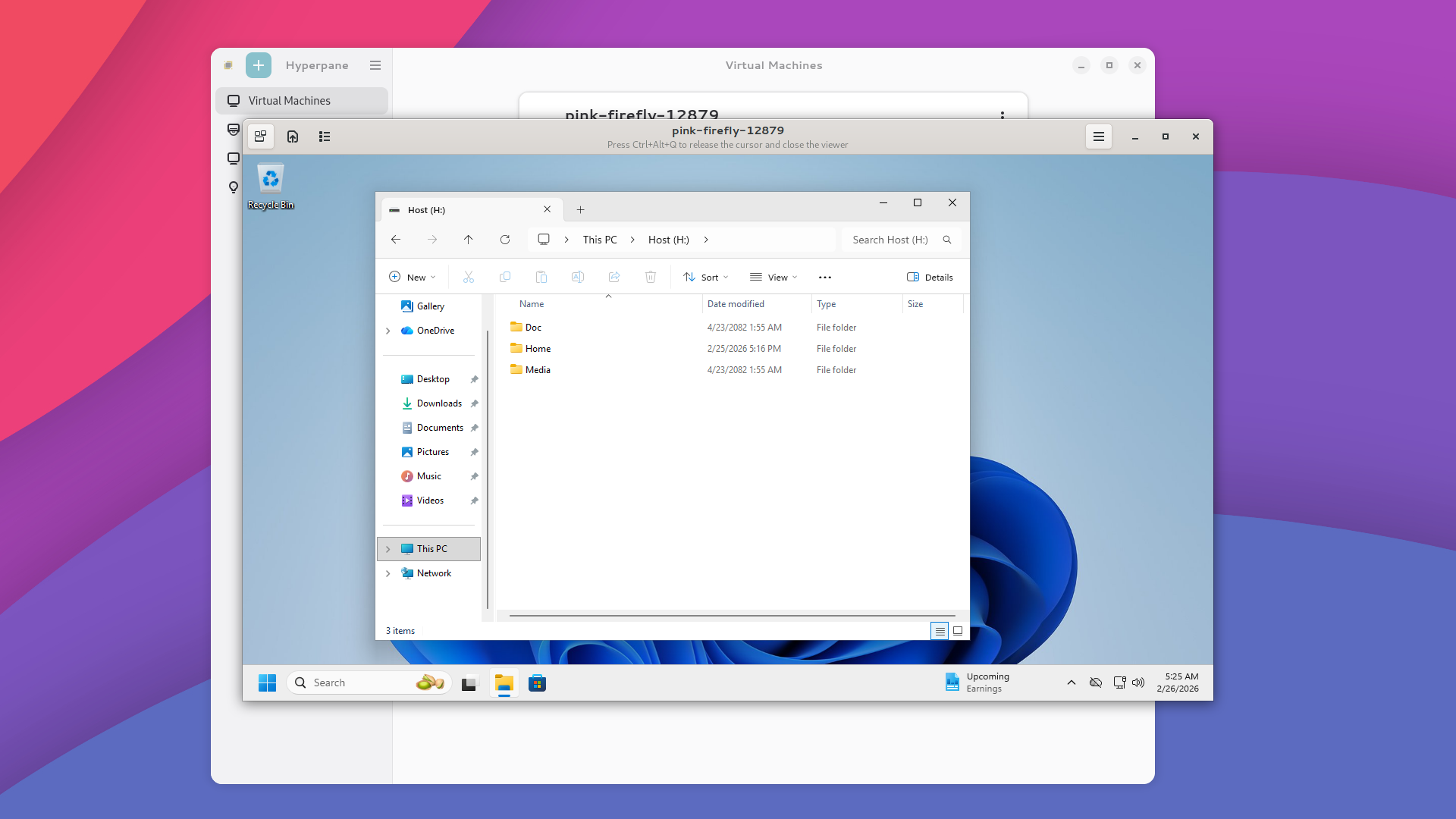
How Hyperpane Compares to Alternatives#
| Feature | Hyperpane | Dual-Booting | VirtualBox | virt-manager | Parallels | Wine | Proton | CrossOver |
|---|---|---|---|---|---|---|---|---|
| Run All Windows Apps | ✓ | ✓ | ✗ | ✓ | ✓ | ✗ | ✗ | ✗ |
| Run Windows Apps Without Windows | ✗ | ✗ | ✗ | ✗ | ✗ | ✓ | ✓ | ✓ |
| Run at Near-Native Speed | ✓ | ✓ | ✗ | ✓ | ✗ | ✓ | ✓ | ✓ |
| Run Without Rebooting | ✓ | ✗ | ✓ | ✓ | ✓ | ✓ | ✓ | ✓ |
| Easy Graphical Setup | ✓ | ✗ | ✓ | ✗ | ✓ | ✗ | ✓ | ✓ |
| No TPM Required | ✓ | ✗ | ✓ | ✓ | ✓ | ✓ | ✓ | ✓ |
| Built-in Telemetry Blocking | ✓ | ✗ | ✗ | ✗ | ✗ | — | — | — |
| DocFS: Control What Windows Sees | ✓ | ✗ | ✗ | ✗ | ✗ | — | — | — |
| Seamless File Sharing | ✓ | ✗ | ✓ | ✗ | ✓ | ✓ | ✗ | ✓ |
| Graphics Passthrough Setup | ✓ | ✗ | ✗ | ✗ | ✗ | ✗ | ✗ | ✗ |
| Runs on Linux | ✓ | ✗ | ✓ | ✓ | ✗ | ✓ | ✓ | ✓ |
Who Is This For?#
- Creative professionals who depend on Windows-only tools that have no native Linux version, running at near-native speed thanks to graphics passthrough
- Switchers leaving Windows who still have a few apps they can’t give up and don’t want to dual boot
- Anyone tied to legacy software that only runs on Windows and was never ported anywhere else
- Small businesses that depend on one critical line-of-business Windows app but don’t want to maintain a separate Windows machine for it
- Privacy-conscious users who want Windows boxed in, with telemetry blocked and file access locked down to exactly what they share
- Anyone with “unsupported” hardware who wants to run Windows 11 without a TPM chip or a Microsoft account
Hardware Requirements#
| Component | Minimum | Recommended |
|---|---|---|
| Memory (RAM) | 8 GB | 16 GB+ |
| Processor Cores | 4 | 8+ |
| Free Disk Space | 64 GB | 120 GB+ |
| Virtualization Support | Required | Required |
| Graphics Cards | 1 * | 2 (integrated + dedicated) |
* With a single graphics card, Hyperpane runs but passthrough doesn’t. Windows falls back to software rendering, which is fine for office and business software and not what you want for games, CAD, video or 3D.
Passthrough needs two graphics adapters: one for Linux to keep using, and one to hand over to Windows. On most machines that’s the integrated chip plus a dedicated card, which is why we list two as recommended rather than minimum. If passthrough is what you’re here for, check what’s in your machine before buying.
Pricing#
Individual License#
Limited time discounted launch price of $25 per machine, one-time purchase. For individuals and small teams.
- Graphics passthrough for near-native speed
- Automated Windows installation
- File sharing between Linux and Windows
- Built-in tracking protection
Enterprise#
Need Hyperpane for your organization? Enterprise licensing is available with volume pricing and dedicated support.
Contact us to discuss your requirements.
Ready to try it?#
No credit card required for the trial. No strings attached.
Already have a license? Download Hyperpane.